Top 5 tips to not get hacked while learning cybersecurity

Getting into cybersecurity is exciting — but it’s also easy to make mistakes that could leave you hacked or in trouble. The good news? With a few simple habits, you can keep your learning journey safe, fun, and drama-free.
Here are five practical tips every beginner should follow:
1. Use a Safe Playground (a.k.a. Virtual Machines)
When you’re experimenting, never use your main computer. Instead, set up a virtual machine (VM) — basically a computer inside your computer.
- Tools like VirtualBox or VMware let you run a test system without risking your real one.
- Take snapshots before you experiment so you can “reset” if things go wrong.
- For risky stuff, keep the VM offline so it can’t talk to the internet.
Think of it as playing in a sandbox instead of your living room.
2. Don’t Use Your Real Accounts
Never use your personal email, passwords, or social media accounts for practice.
- Make throwaway emails for testing.
- Use a password manager to generate unique, random passwords.
- If a lab needs an API key or token, create one that’s limited and easy to delete.
Your real accounts are too valuable to risk.
3. Keep Your Lab Isolated
Many cybersecurity exercises involve scanning, testing, or even “breaking” systems — but those should always be your systems.
- Set your lab network to “host-only” or NAT so it doesn’t leak onto your home Wi-Fi.
- If you need the internet, use a firewall to control traffic.
- For malware practice, consider using a fake internet simulator like INetSim.
This keeps your experiments in the lab where they belong.
4. Be Careful with Downloads
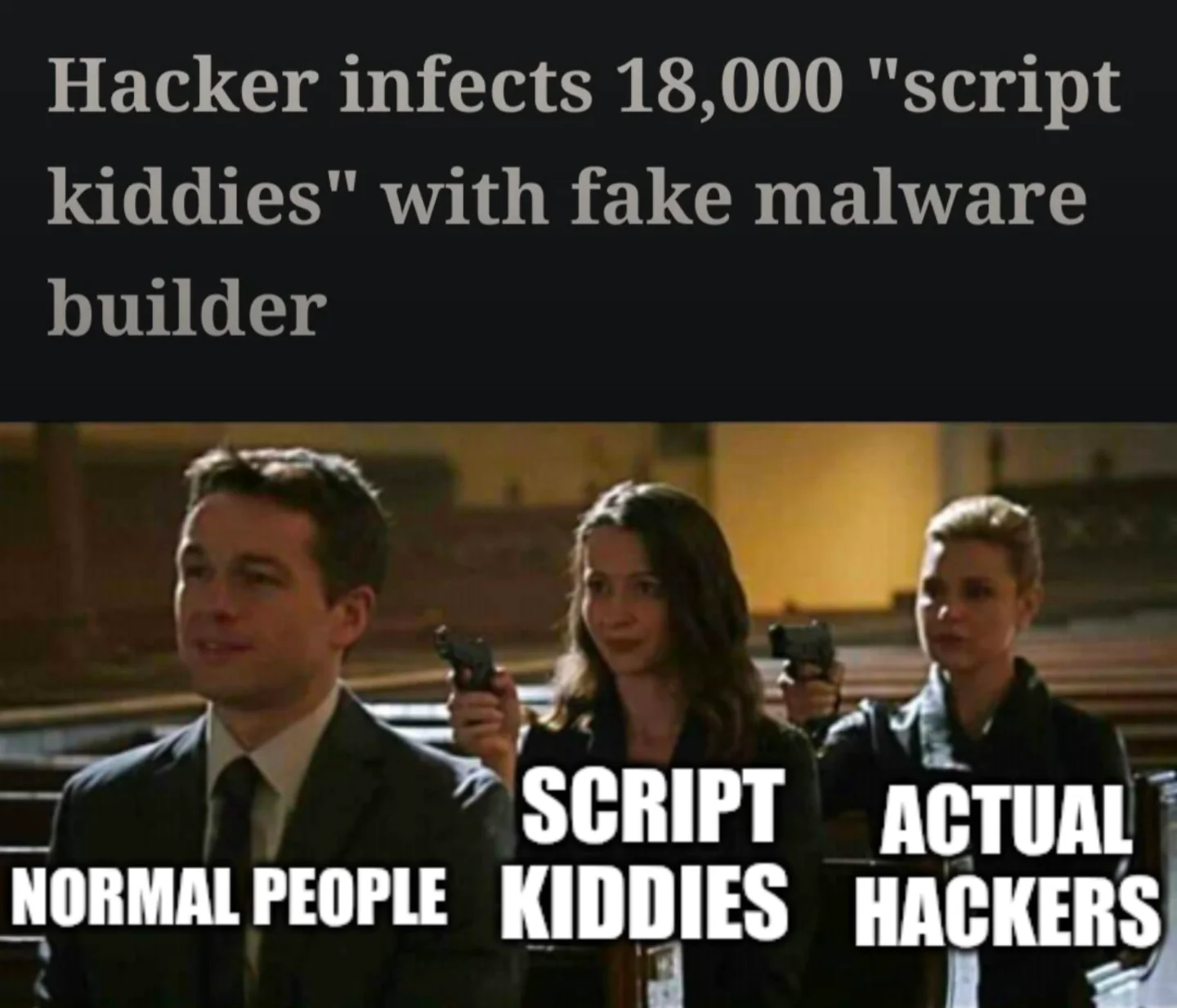
Not every “free hacking tool” on the internet is safe — some are trojans waiting to bite.
- Download from official sites or trusted communities.
- Check file hashes (like checksums) or signatures when possible.
- If you’re unsure, run new tools in a disposable VM first.
Better safe than reinstalling your whole computer.
5. Stay Updated and Stay Legal
Cybersecurity is about defense first — and that includes defending yourself.
- Keep your computer, VMs, and tools updated.
- Backup your important files so you don’t lose them.
- Most important: only test systems you own or have permission to use. Stick to safe spaces like Hack The Box, TryHackMe, or downloadable vulnerable machines like Metasploitable.
Learning is fun — getting in legal trouble is not.
Quick Safety Checklist ✅
- Run experiments in a VM or spare device
- Take snapshots before risky tests
- Use fake/test accounts only
- Keep your lab network isolated
- Download tools from trusted sources
- Stay patched and follow the rules
Final Thoughts
Cybersecurity is like learning to drive: you start in a parking lot, not on the highway. With the right setup and habits, you can explore safely and build skills without unnecessary risks.
Happy hacking (the safe kind)!